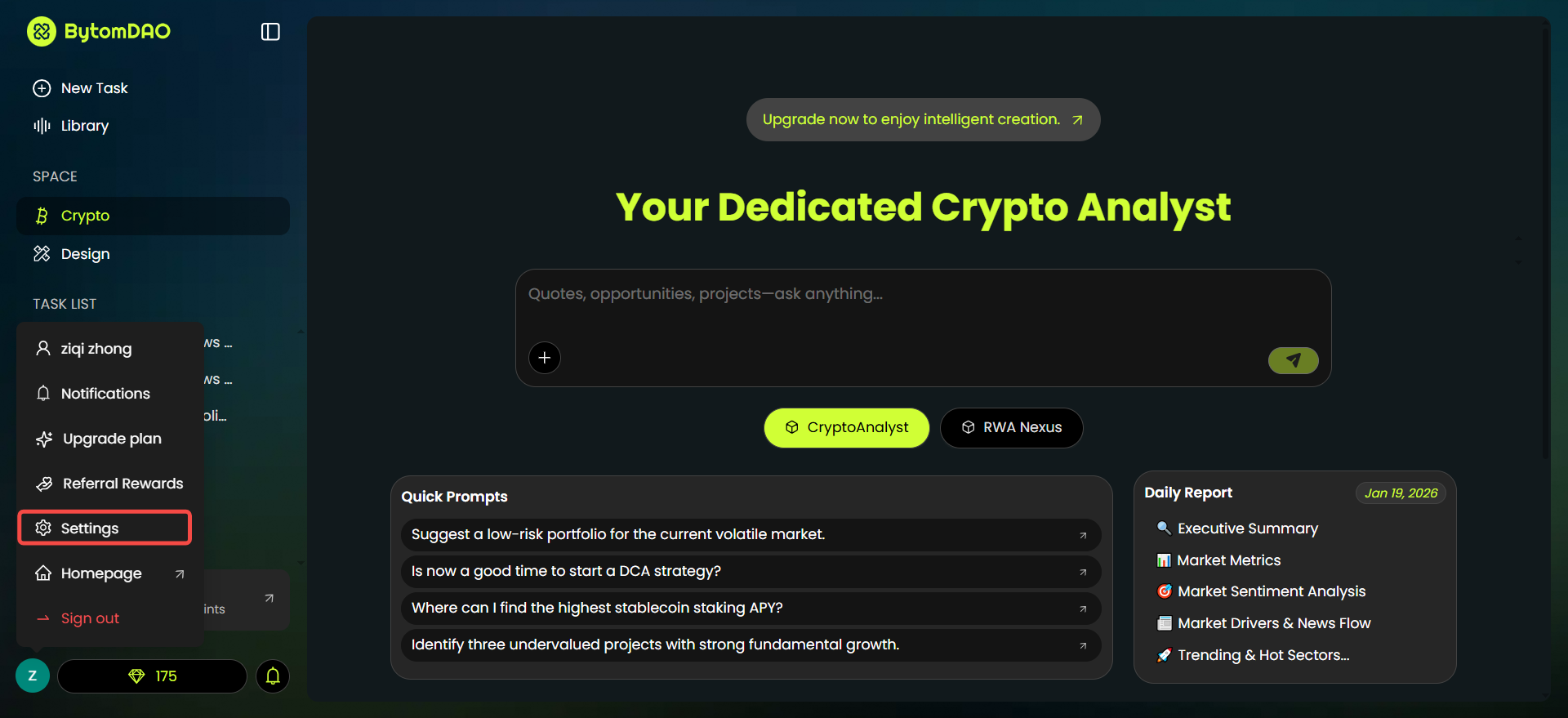
1. Account Settings
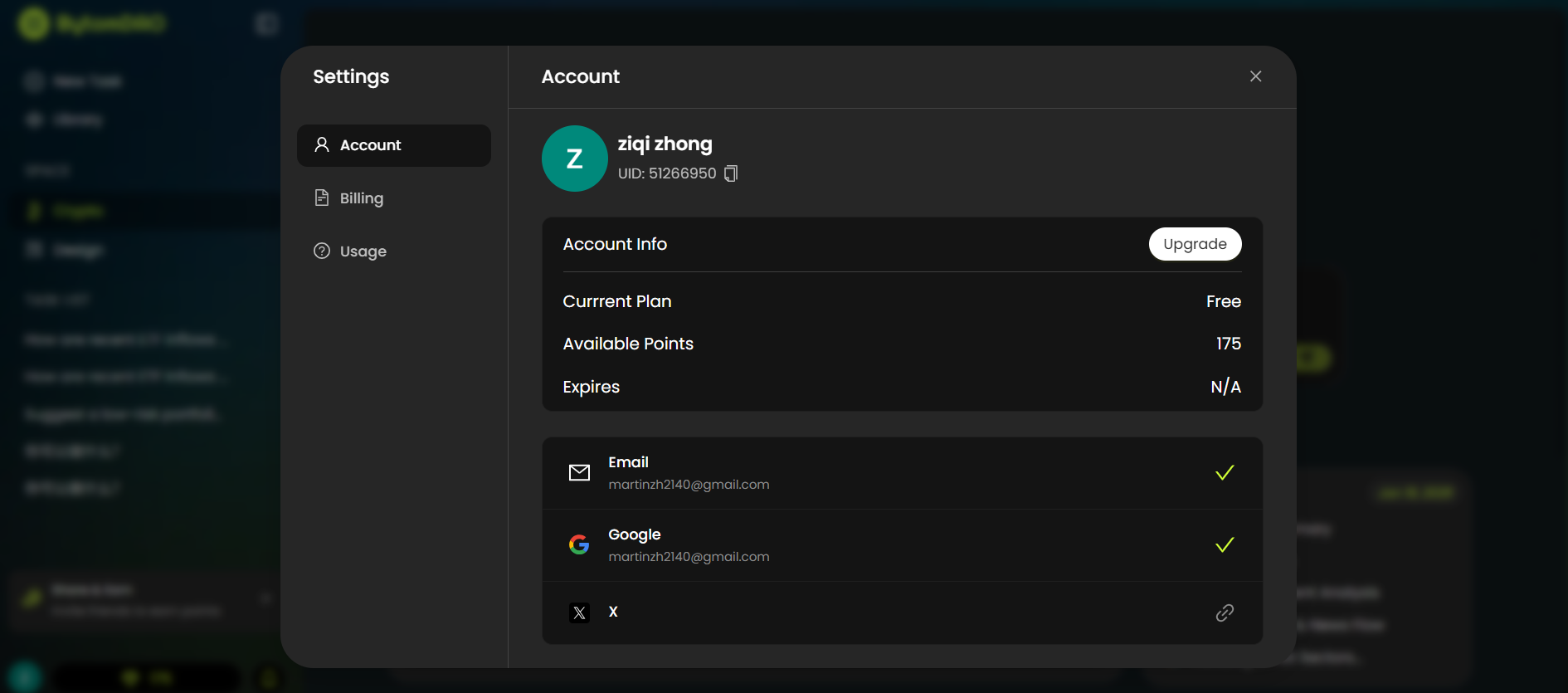
In the “Settings > Account” view, you can manage your basic profile and linked social accounts:- Personal Info: View your username, unique UID, and current membership plan.
- Social Connections: Link or unlink your Email, Google, and X (Twitter) accounts.
- Quick Upgrade: Click the “Upgrade” button to jump directly to the membership selection page.
2. Usage History & Points
Points (Diamonds) are the core proof of engagement in BytomDAO. You can track every point transaction in the “Usage” tab.- Earning Points: Rewards like the
New User Bonuswill add points to your balance. - Spending Points: Using AI features (e.g.,
NanoBanana) will consume points.
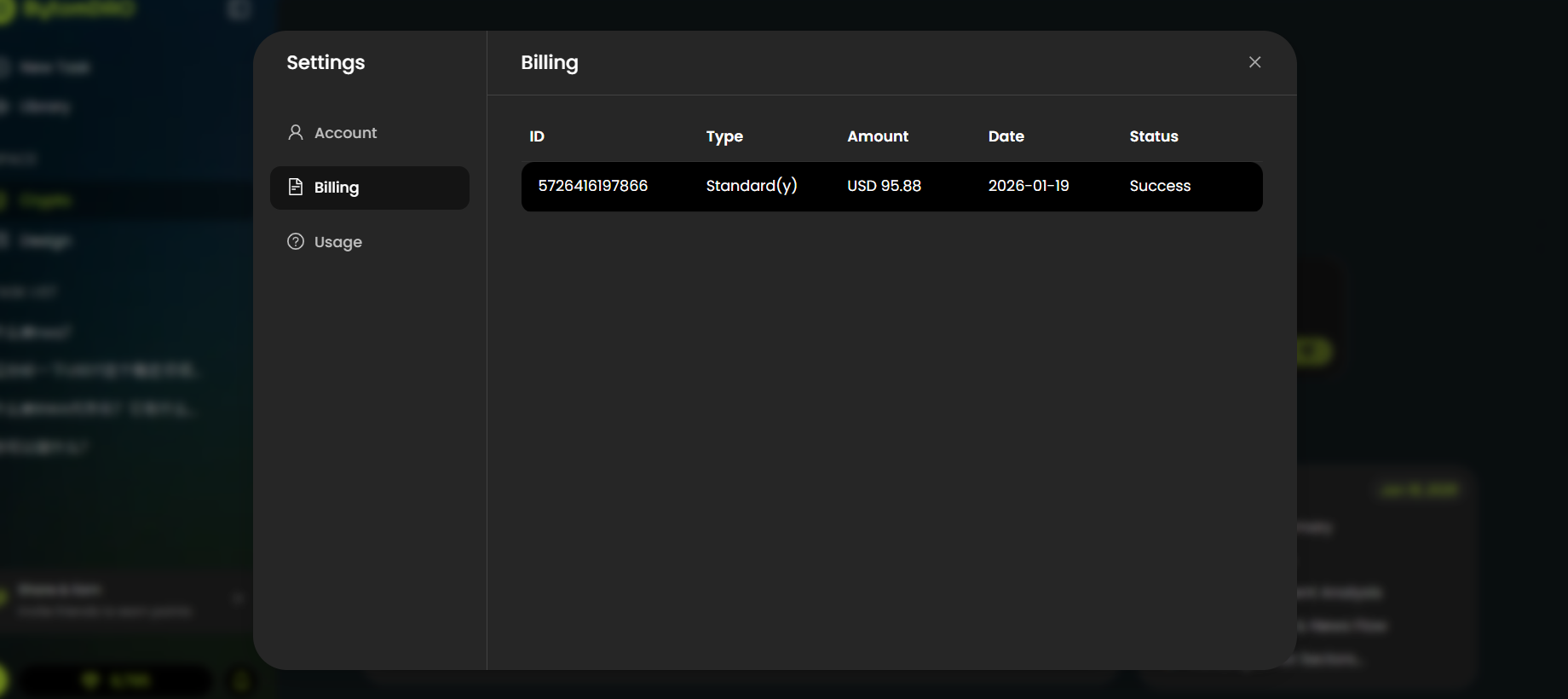
3. Billing & Subscriptions
All financial records related to membership upgrades and subscription renewals can be found in the “Billing” view.