
1. Accessing the Platform
First, please visit the official BytomDAO website: https://bytomdao.com/.2. Finding the Login/Signup Entry Point
In the top right corner of the homepage, you will see a prominent bright green button labeled “Login/Signup”. Click this button to enter the authentication page.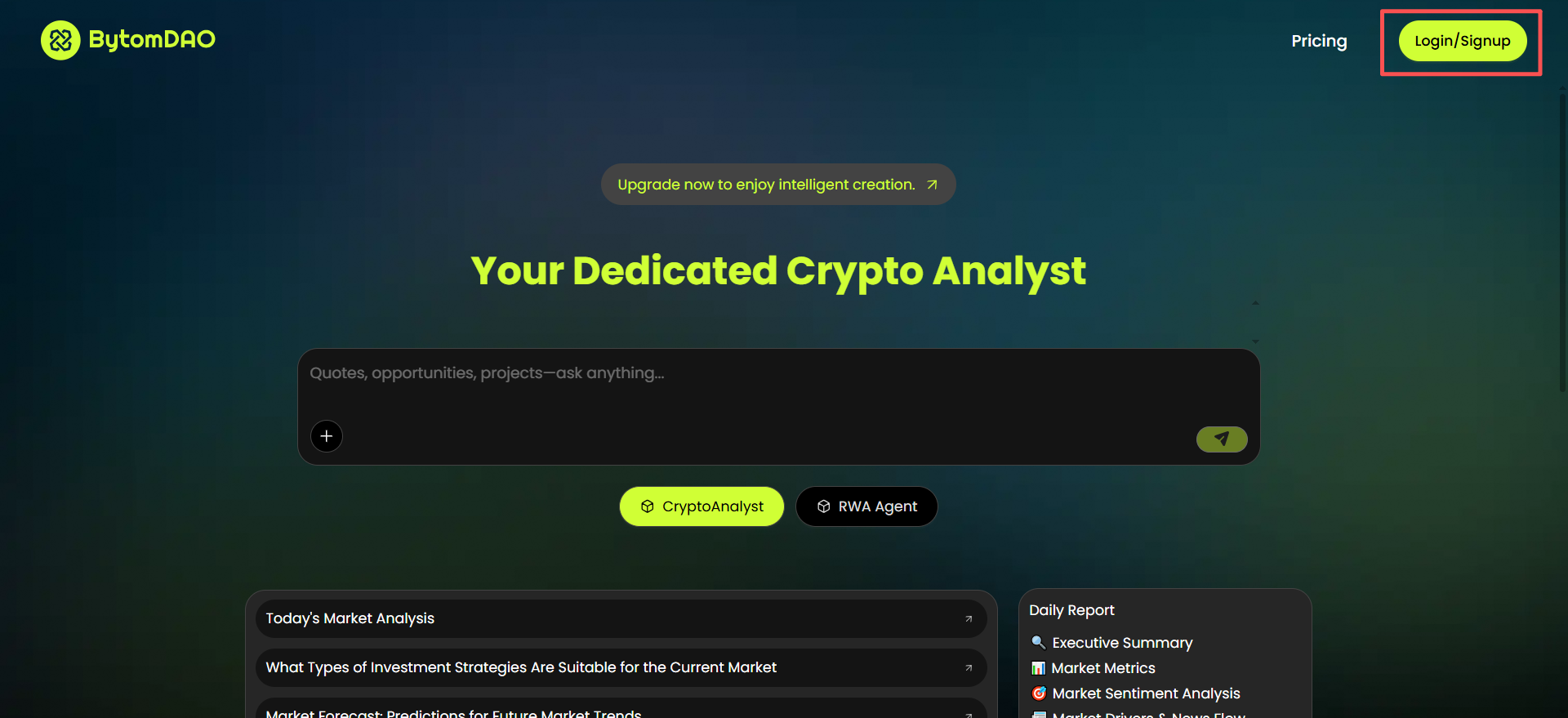
3. Choosing Login or Registration Method
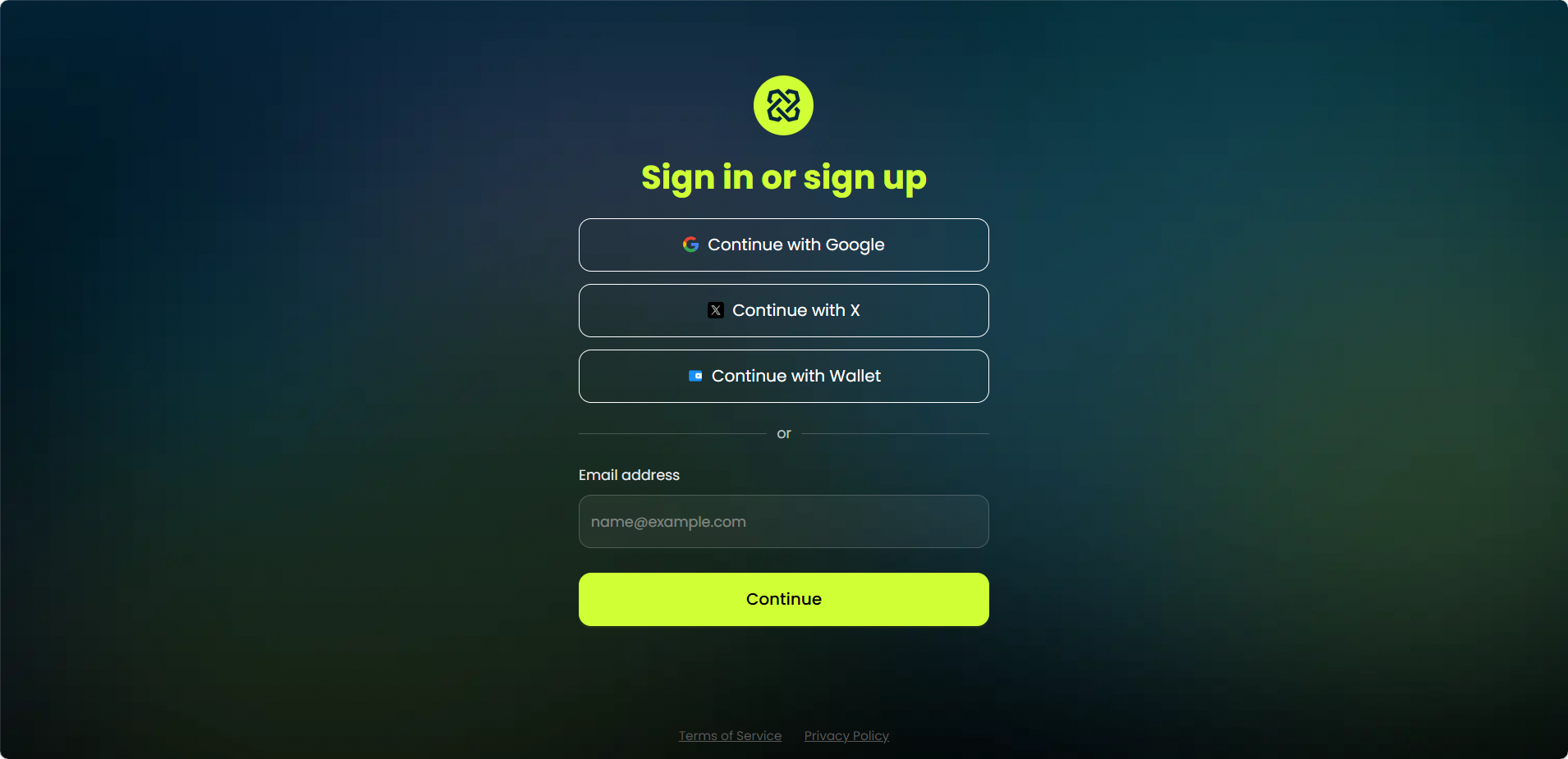
BytomDAO uses a unified login and registration process. Whether you are a new or returning user, you can access the system through several methods:- Continue with Google: Quickly verify using your Google account.
- Continue with X (Twitter): Sign in by linking your X account.
- Continue with Wallet: Connect your crypto wallet (e.g., MetaMask) for Web3 authentication.
- Email Address:
- Enter your email address in the input field.
- Click the “Continue” button.
- The system will send a verification link to your email or guide you through further setup.
4. Frequently Asked Questions
- Account Registration: BytomDAO does not require a separate “Registration” step. Your account is automatically created the first time you log in using any of the above methods.
- Login Failure: If you encounter issues during login, ensure your network connection is stable or try a different authentication method (e.g., switching from Email to Google login).